Controller
Manifacturer Warranty
Our brands provide full warranty coverage on all listed products.
Tech Support
We provide system support to dealers and installers by offering product guidance, installation and wiring, product troubleshooting, and control programming to ensure optimal performance.
Free Demo
Dealers and installers can book a demo to experience the products in our showroom and learn more.
Training
Dealers and installers receive training on product specs and programming controls to enable effective and convenient distribution. Dealers and installers will be well prepared to meet their clients' needs and expectations.
Specs
Specification | Detail |
|---|---|
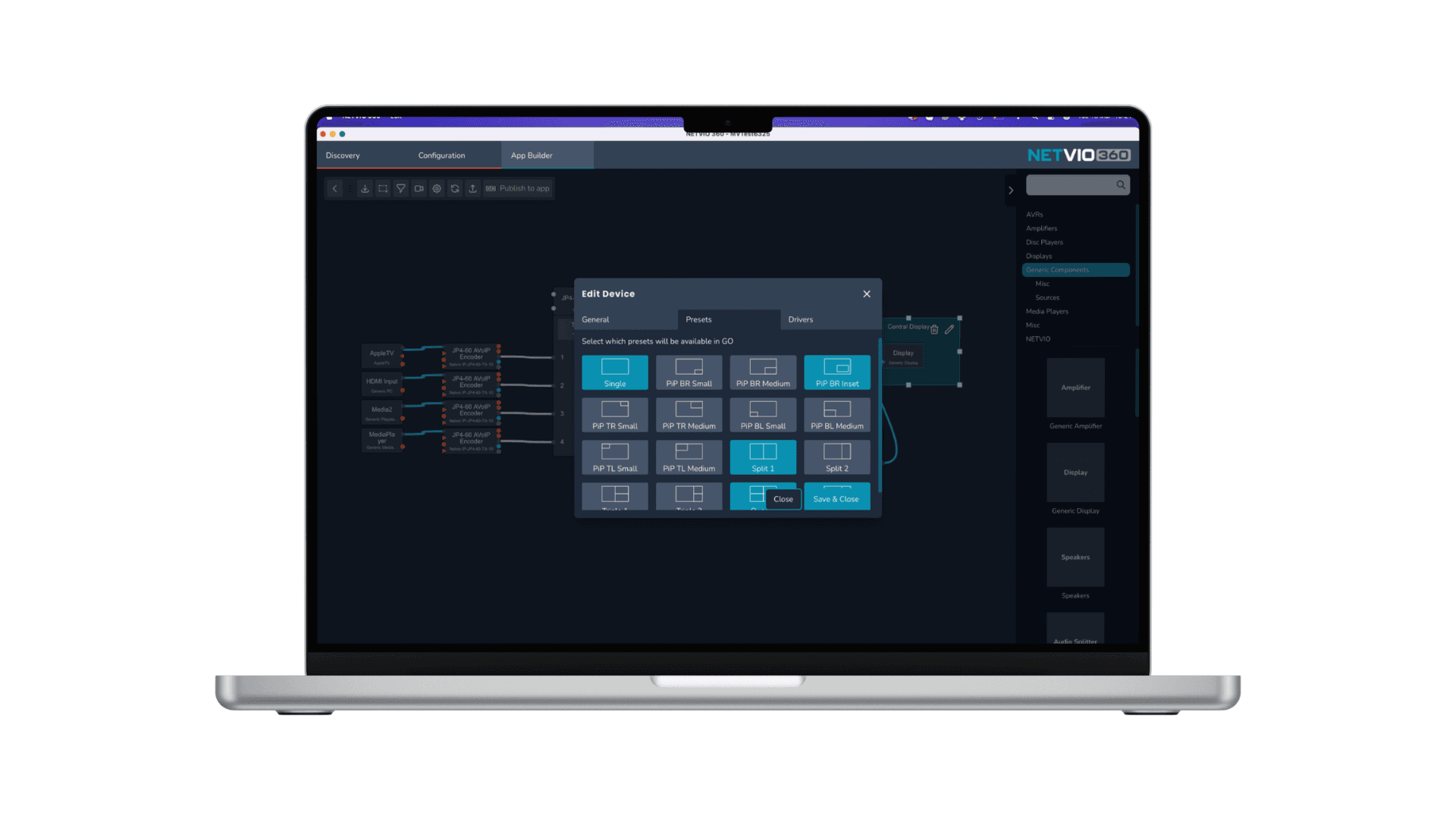
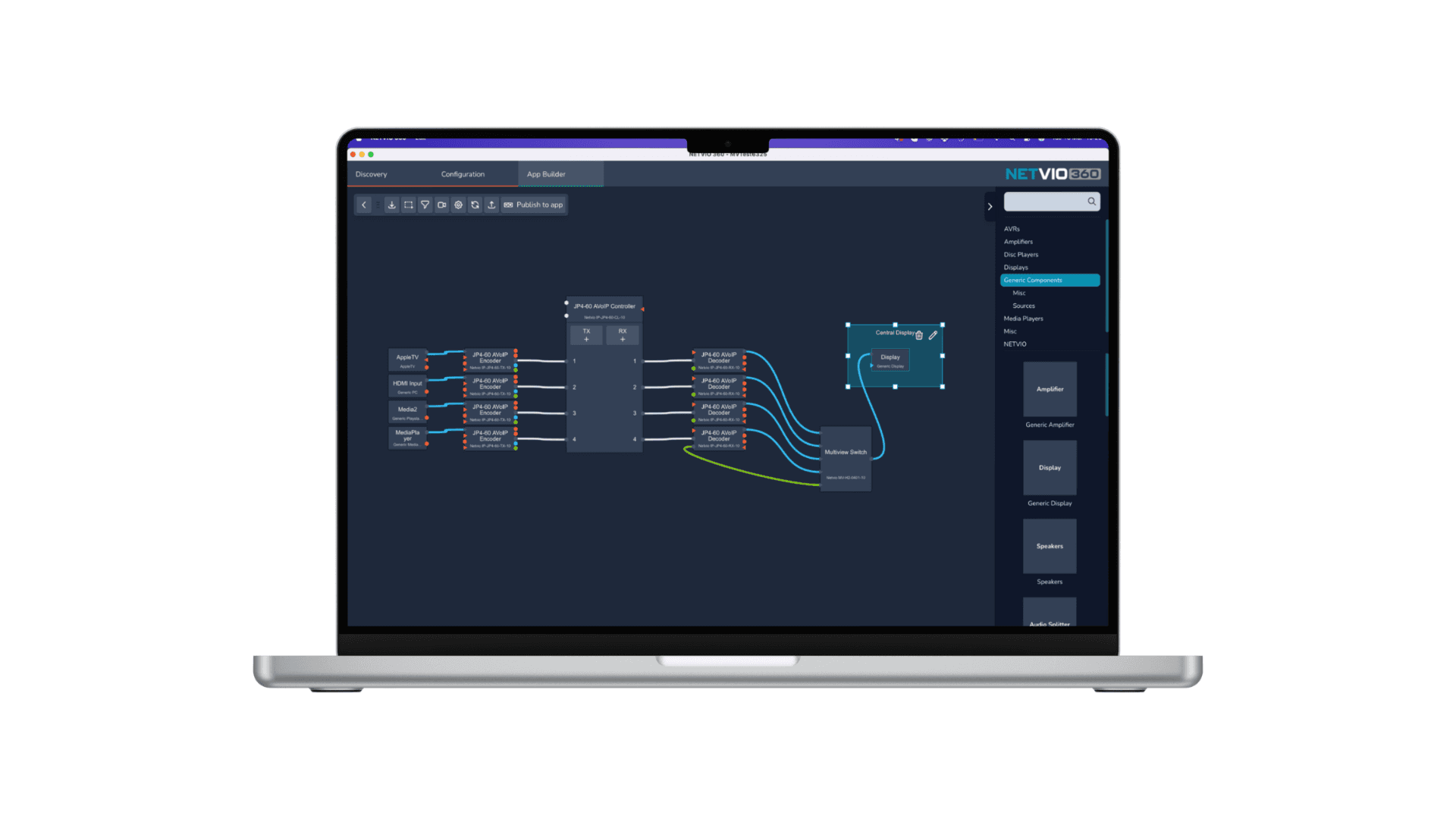
No coding required | drag-and-drop simplicity for faster development and lower costs |
Custom branding & tailored UIs | add logos, and navigation imagery, with device-specific layouts for each user |
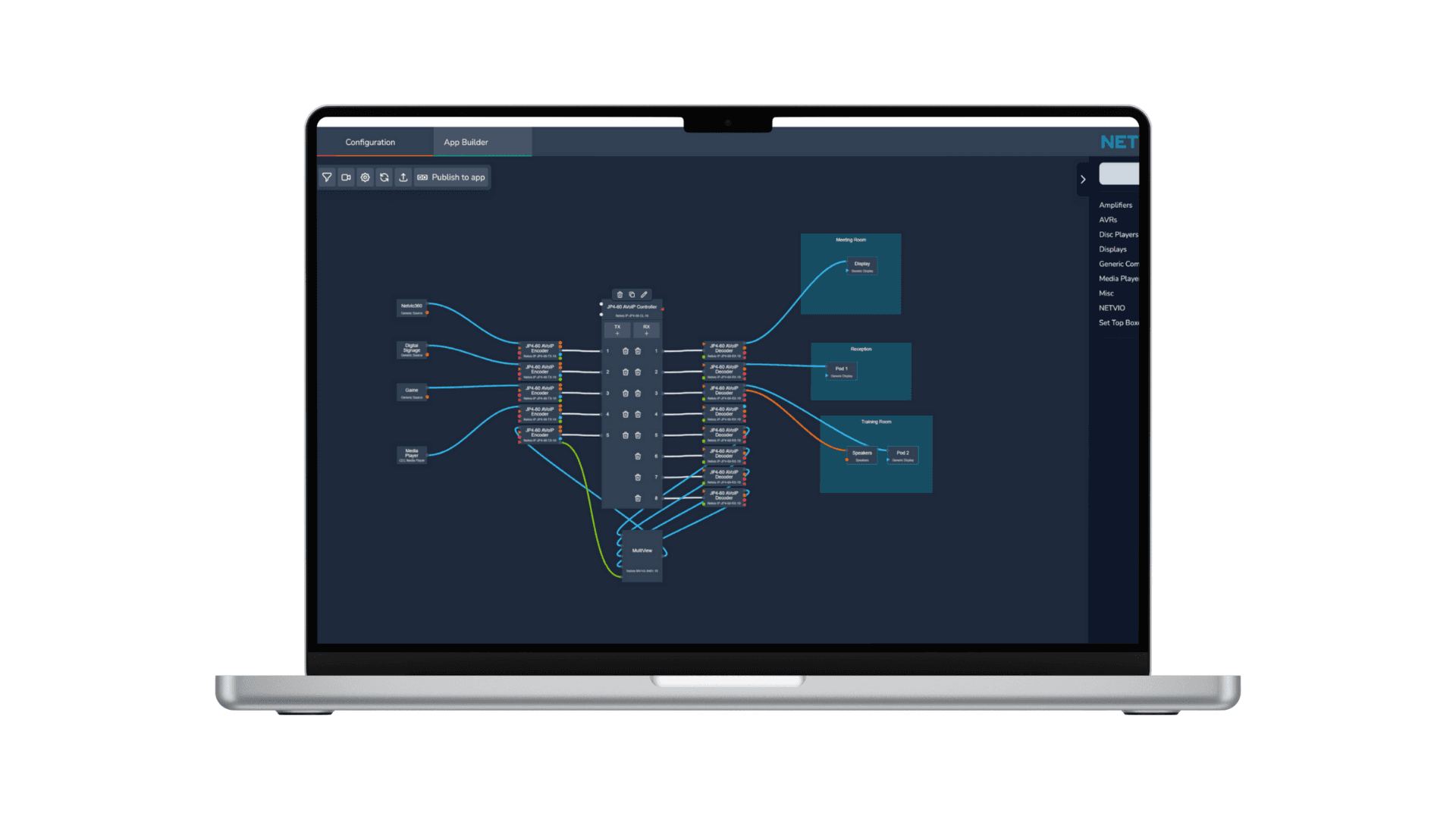
Comprehensive AV control | supports popular AV brands including easy setup of video walls, multiview, and audio systems. |
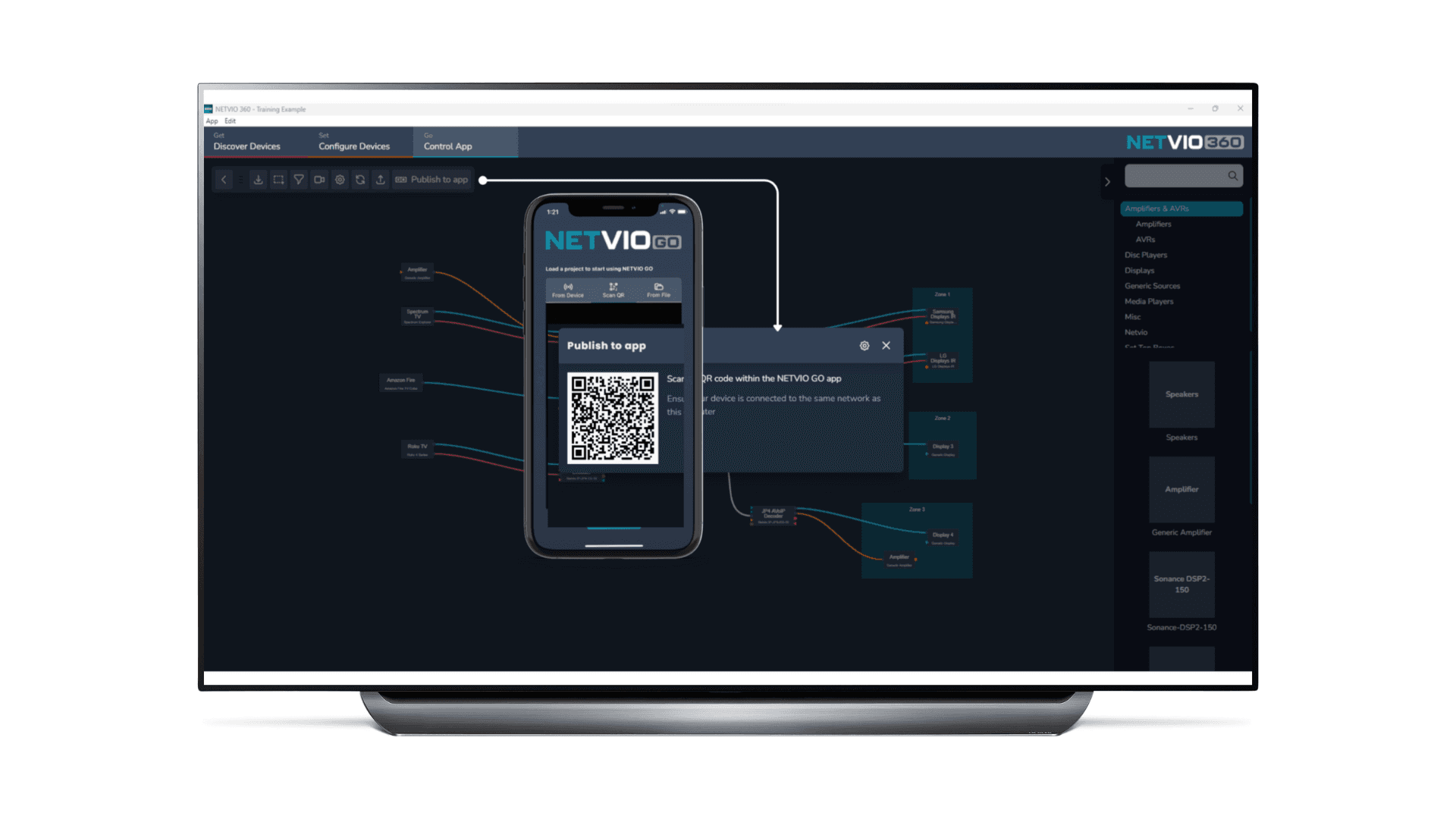
Instant deployment | distribute to end-user devices in seconds via simple QR code scanning |
Cross-platform ready | one design works across iOS, Android, tablets, phones, and Netvio touch screens |
Full system ownership | retain complete control of design and updates without relying on third-party programmers. |
Each micro-driver defines available control types | CEC, IR, RS-232, or no control. |
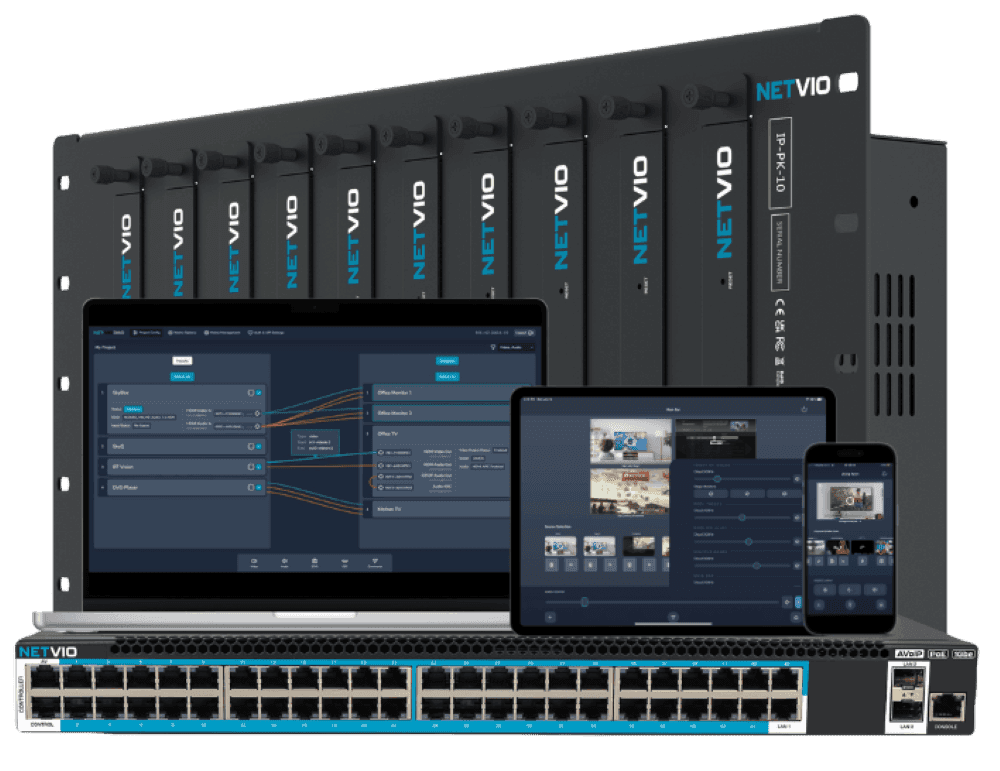
A unified AV platform that simplifies complexity across every project scale
A unified AV platform that simplifies complexity across every project scale
More Products
AppBuilder
Drag-and-drop UI designer for Netvio control screens
EX-2CH-300-10
2-channel analog audio over CAT extender (300m)
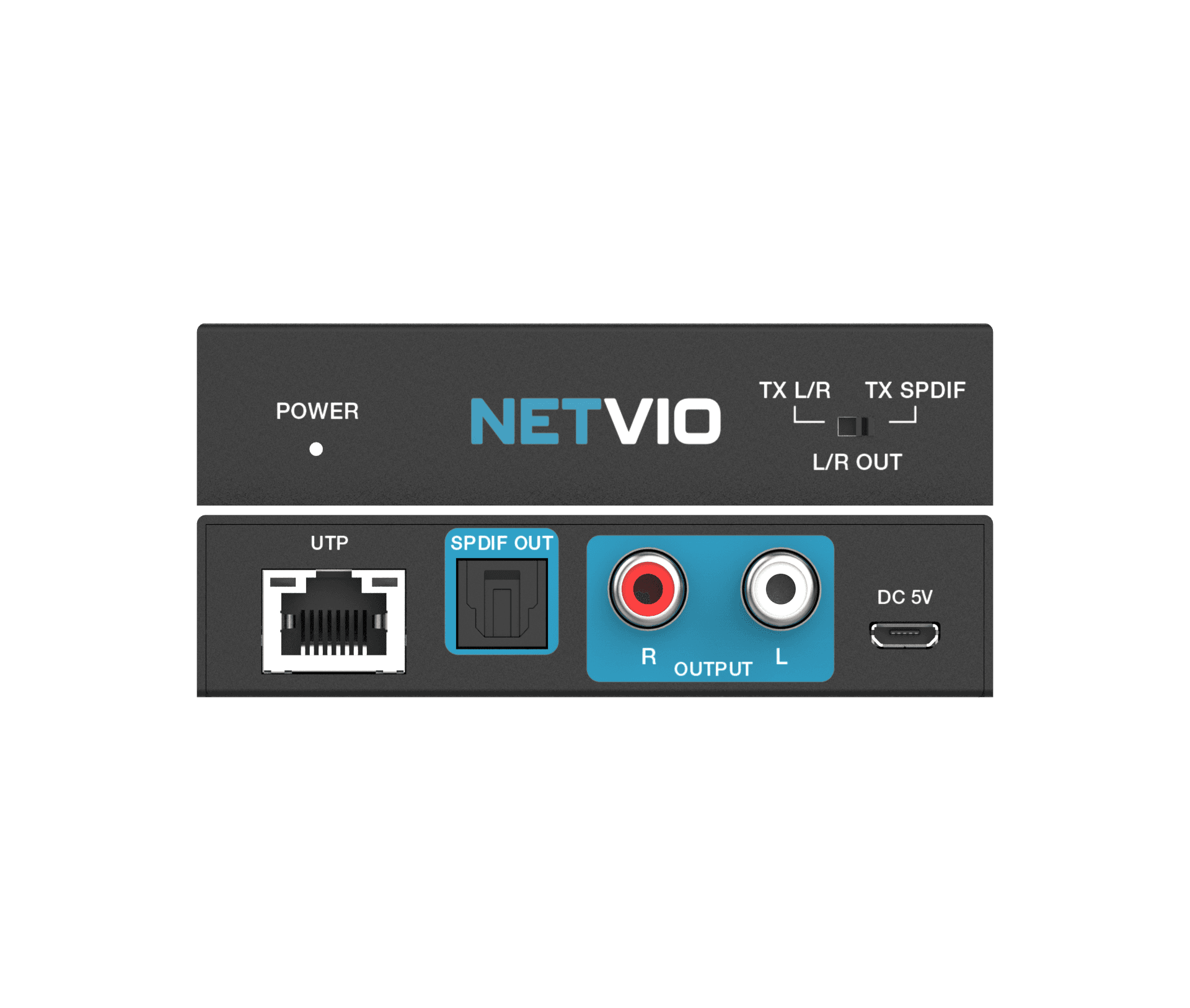
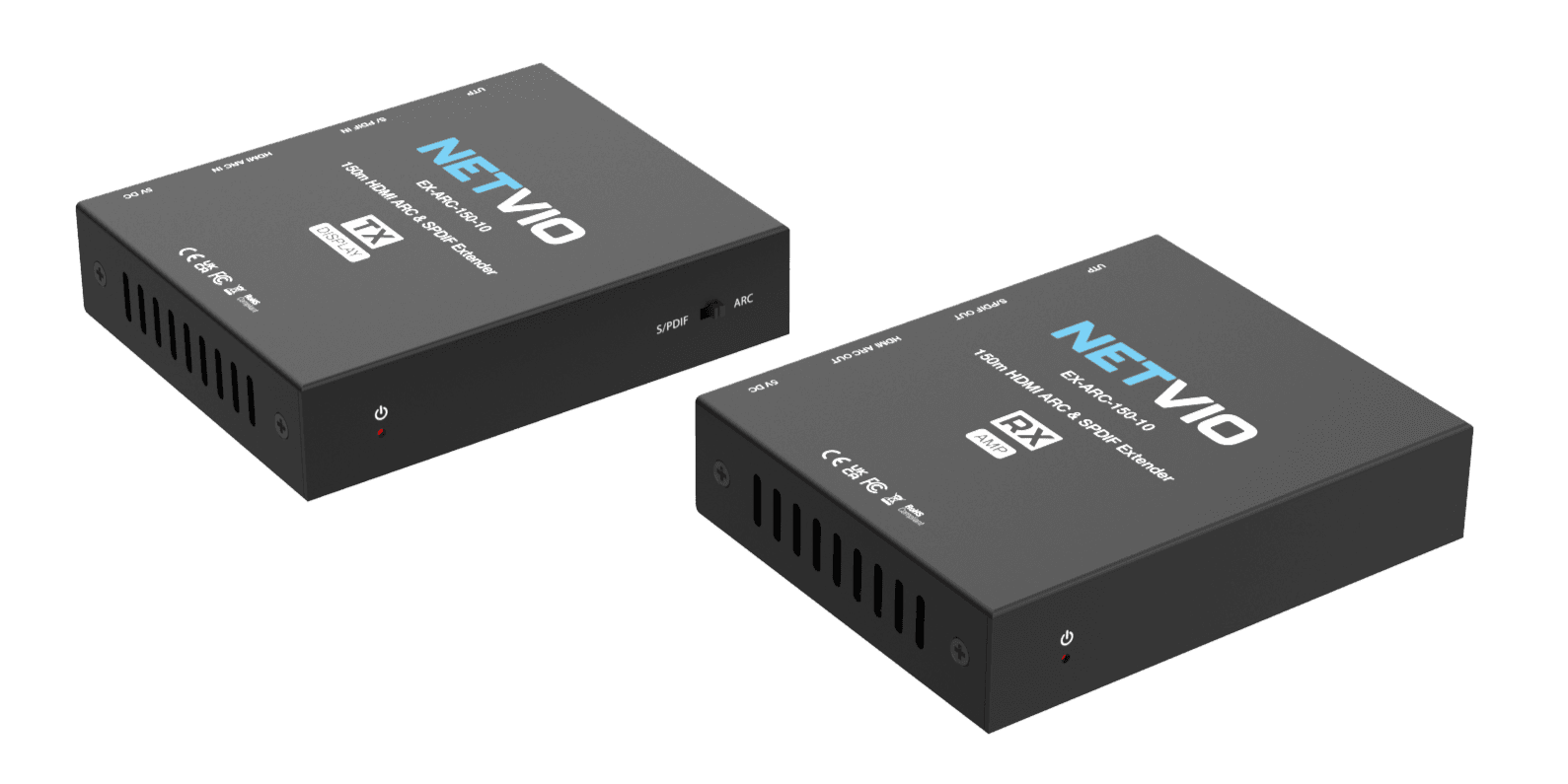
EX-ARC-150-10
150m ARC | SPDIF Extender over Category Cable
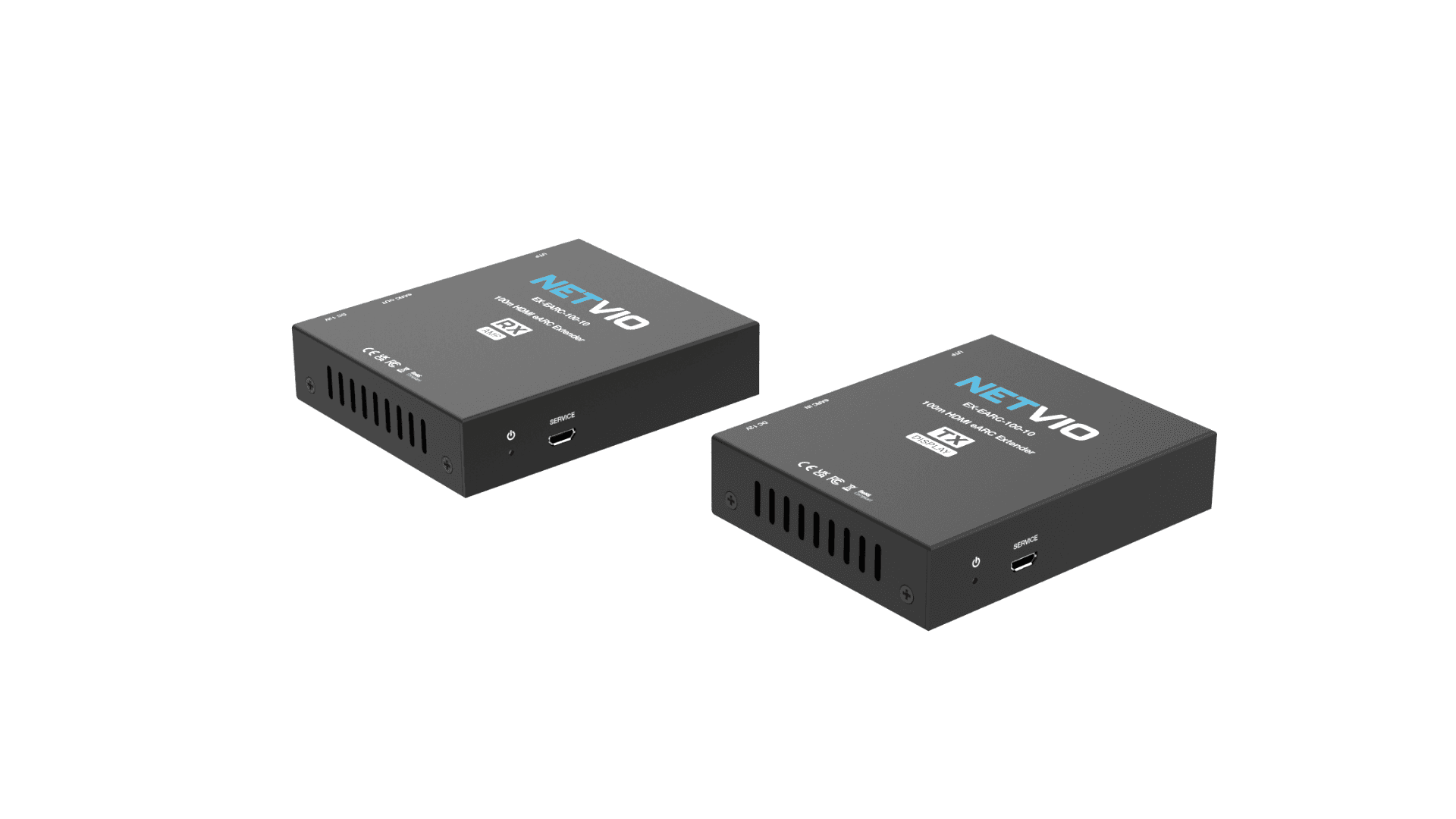
EX-EARC-100-10
HDMI eARC audio extender (100m)
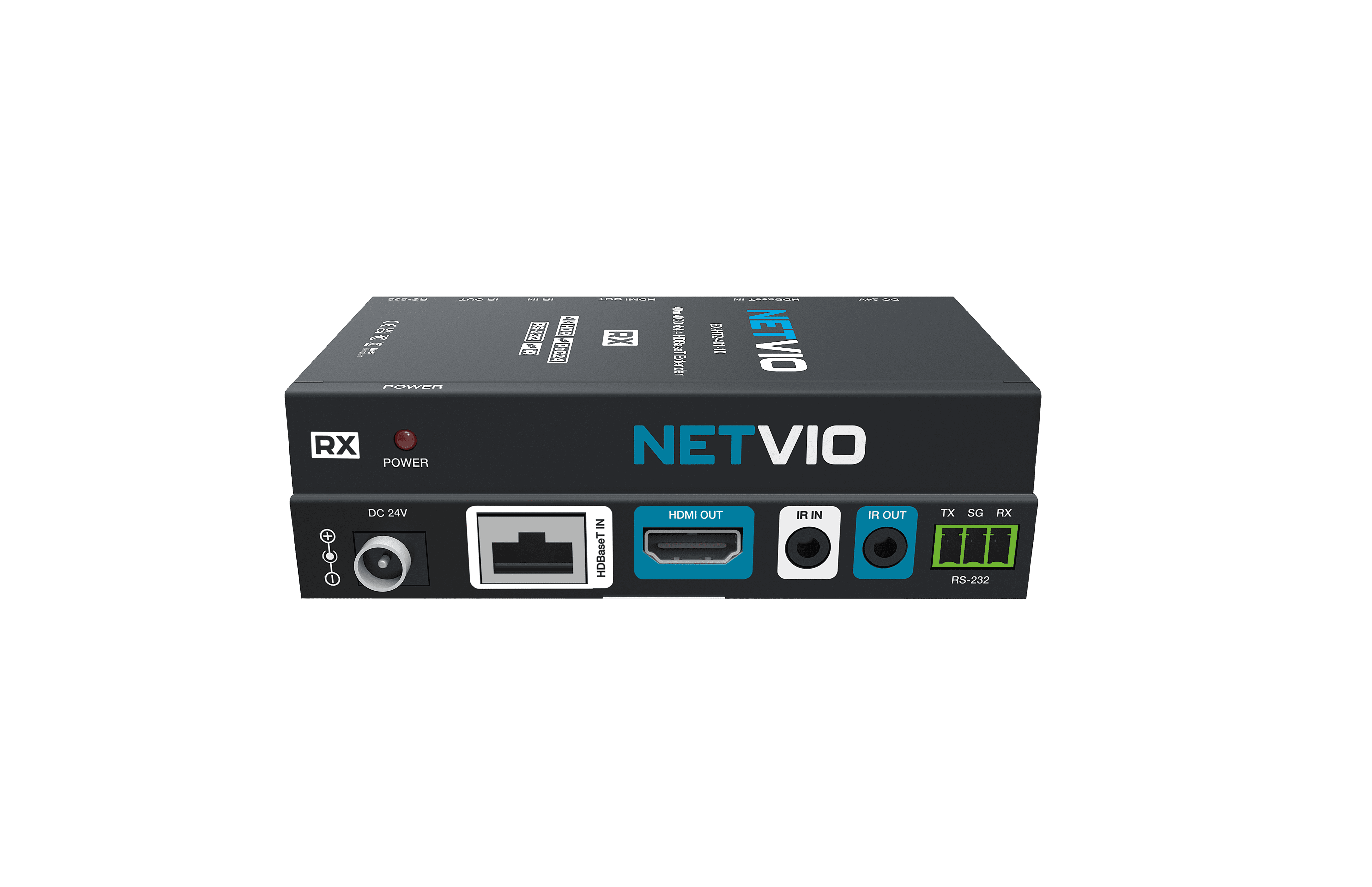
EX-HT2-401-10
4K30 / 1080p60 HDBaseT extender set
EX-HT2-402-10
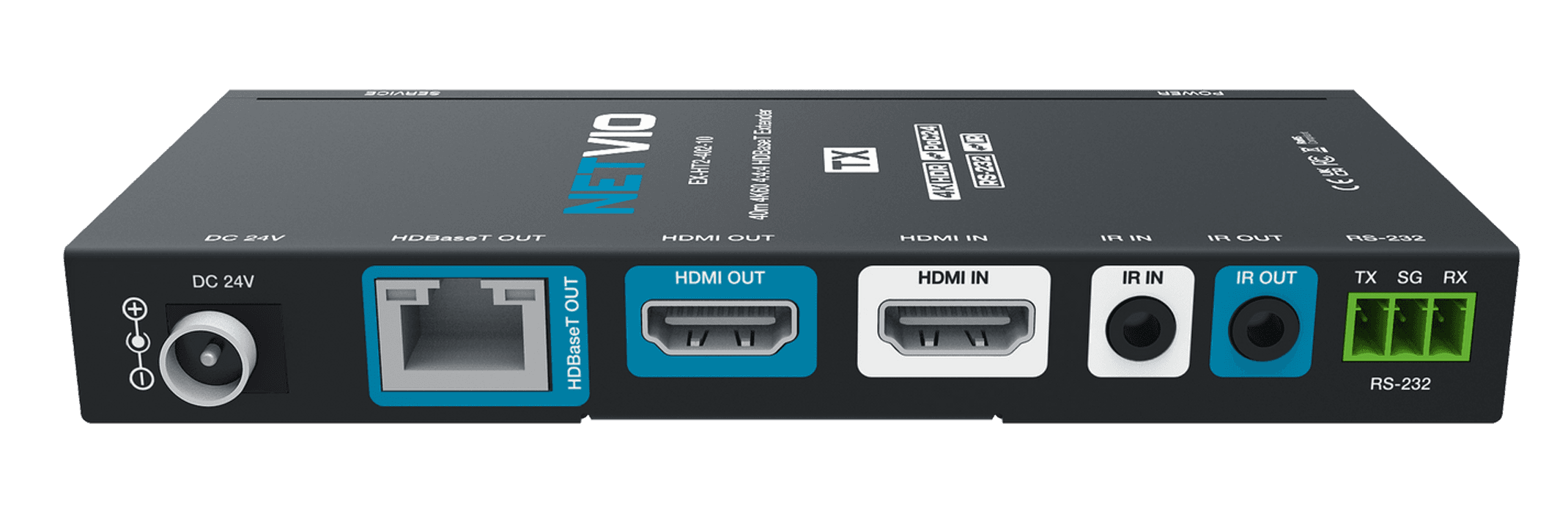
40m 4K/60 HDR | 70m 1080p | HDBaseT extender with 2-way IR, RS-232 & 2-way PoC